Free for Apple silicon Macs with macOS 13 or later
Your Mac.In your pocket.
Wingman puts your Mac on your Android phone, wherever you are.


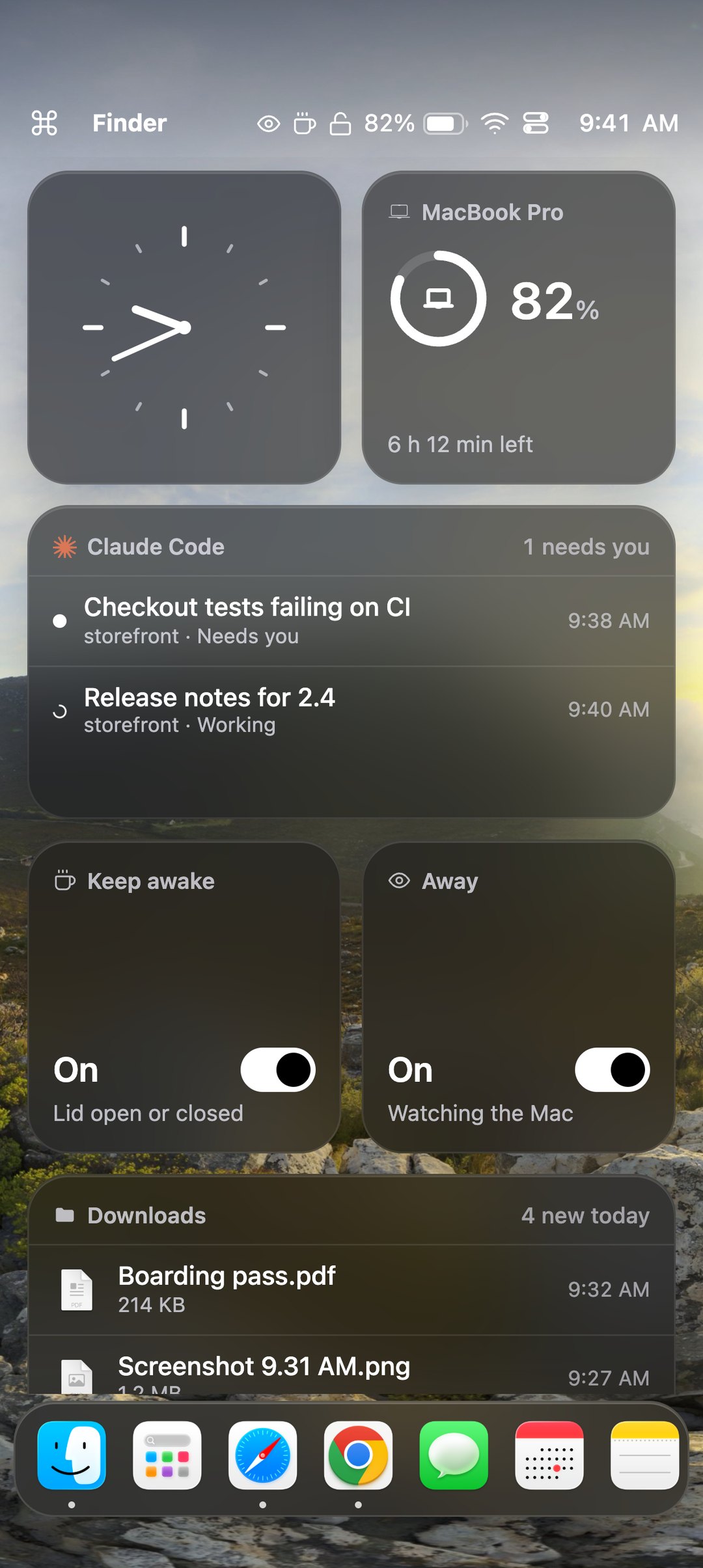
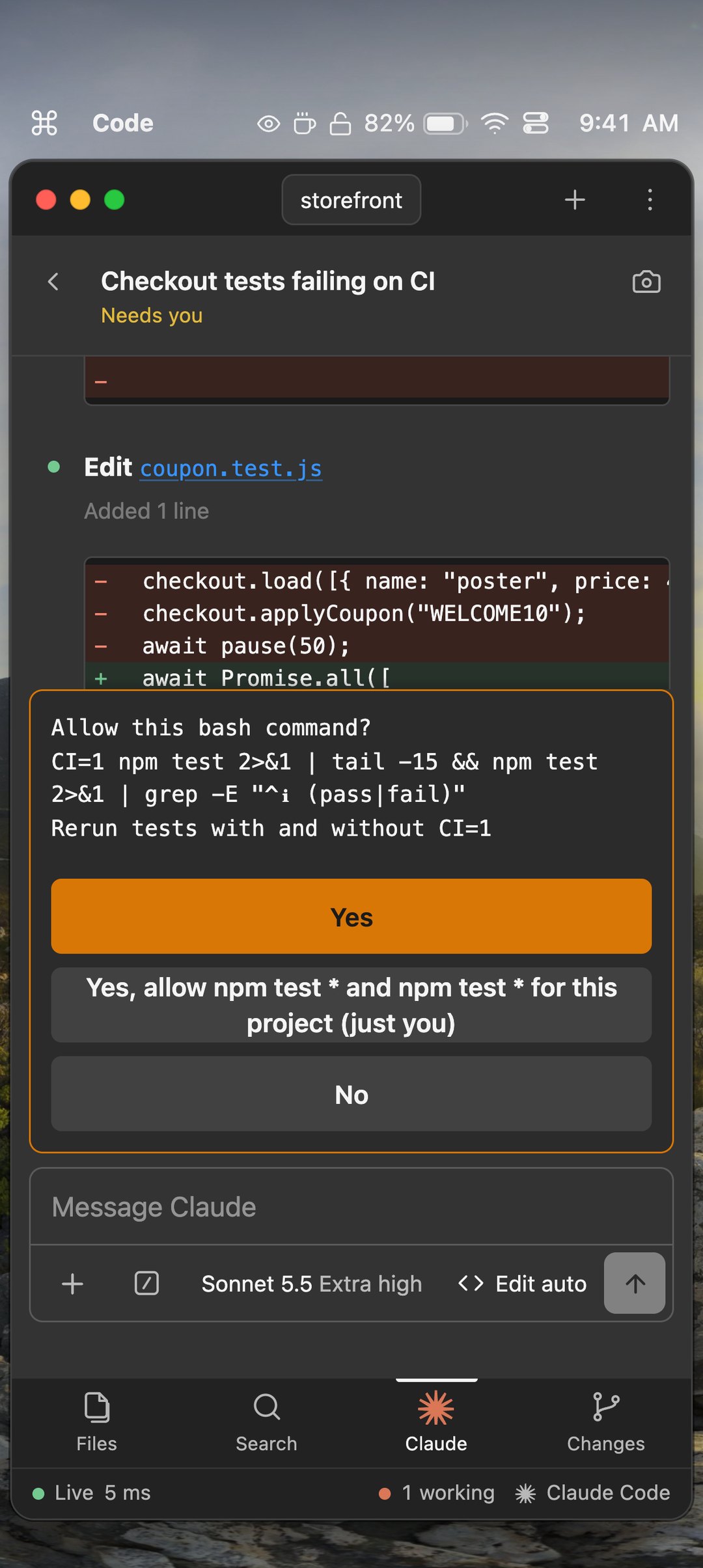
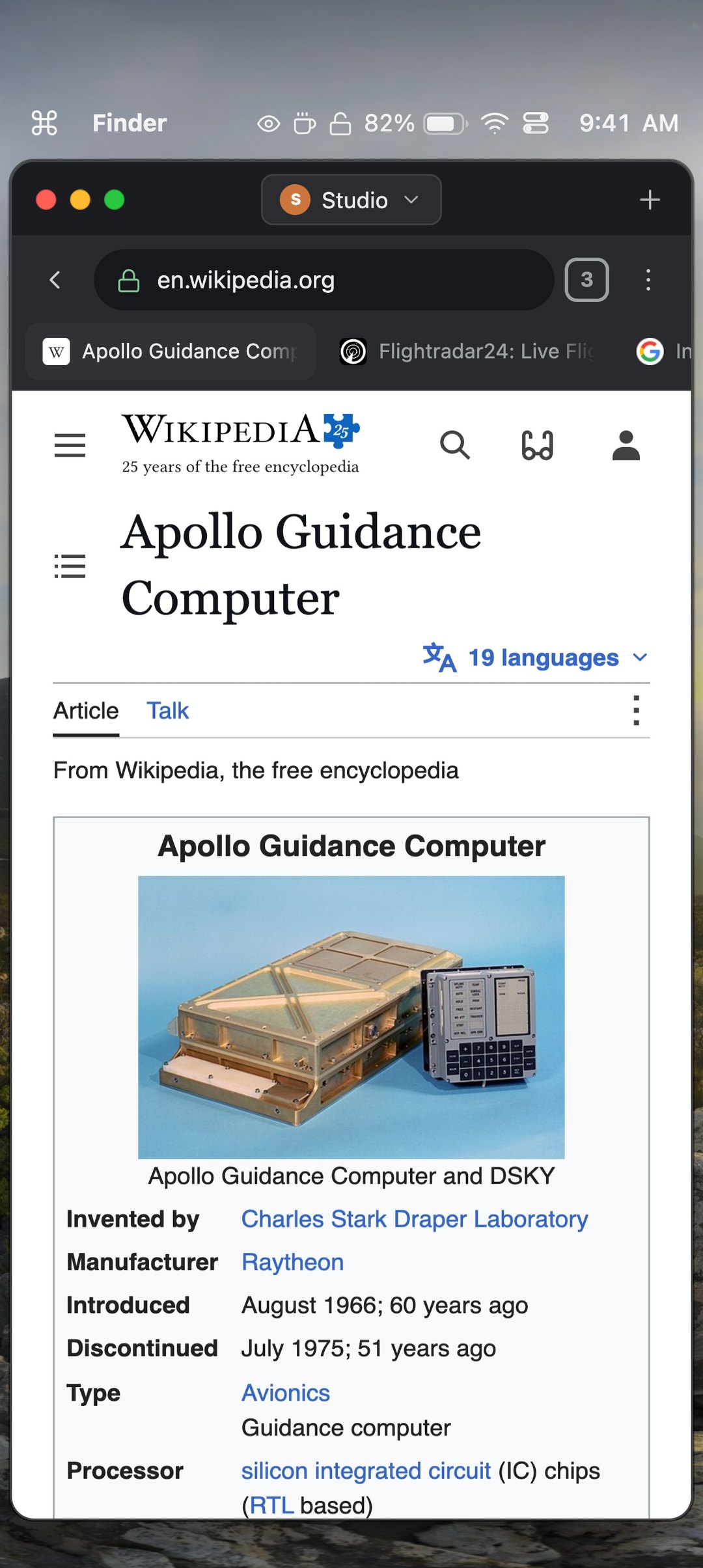
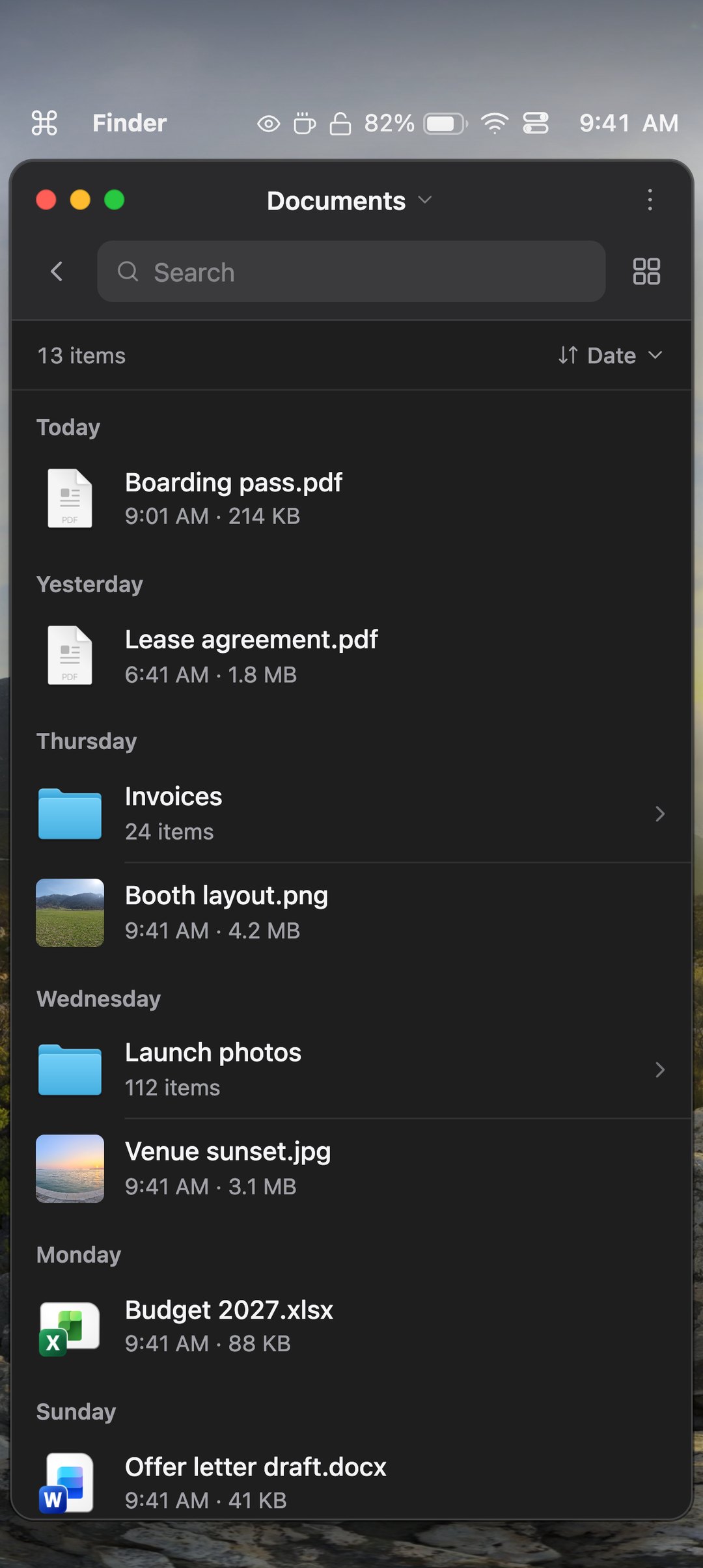



On your phone
Everything on your Mac. Wherever you are.
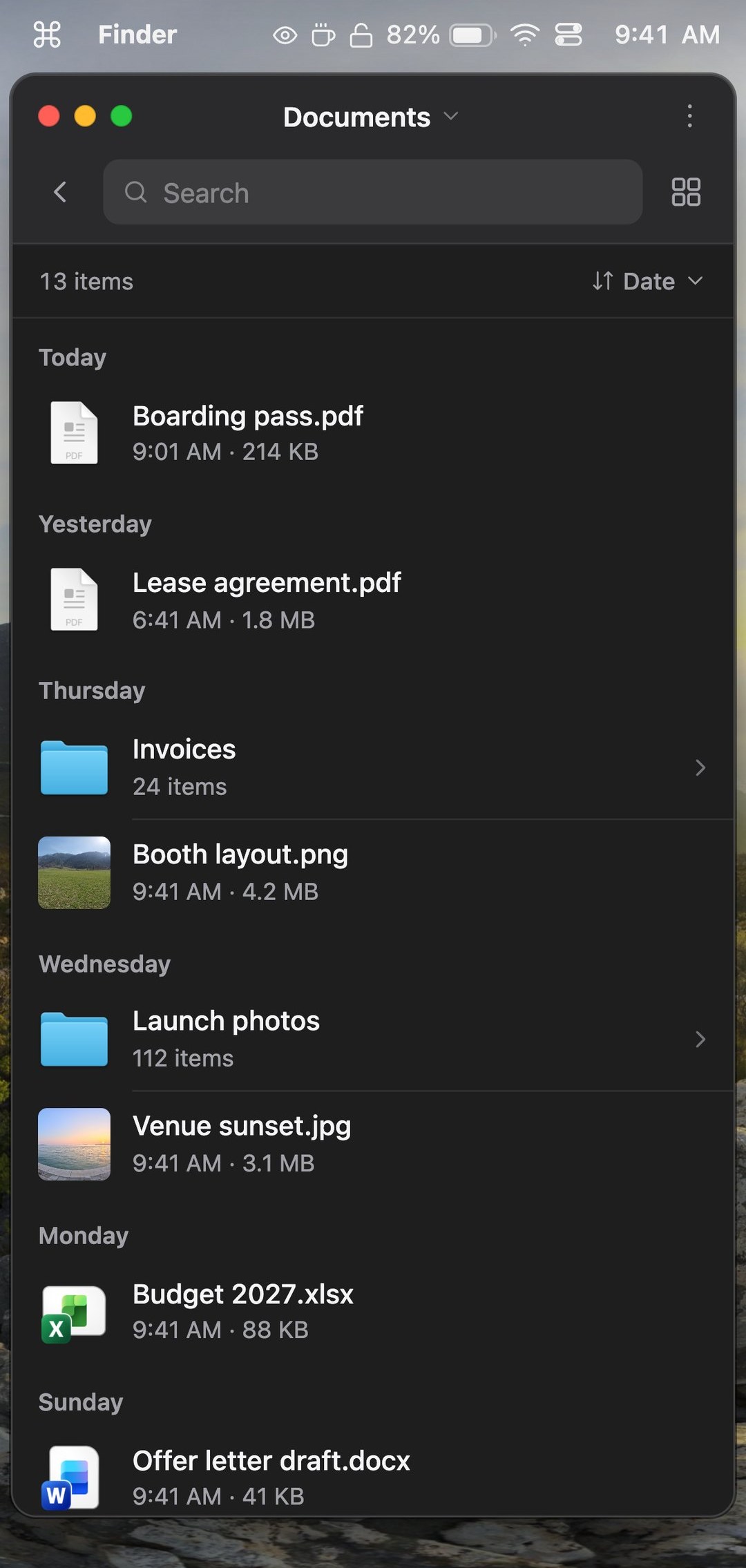
Every file, already with you. Open a folder.
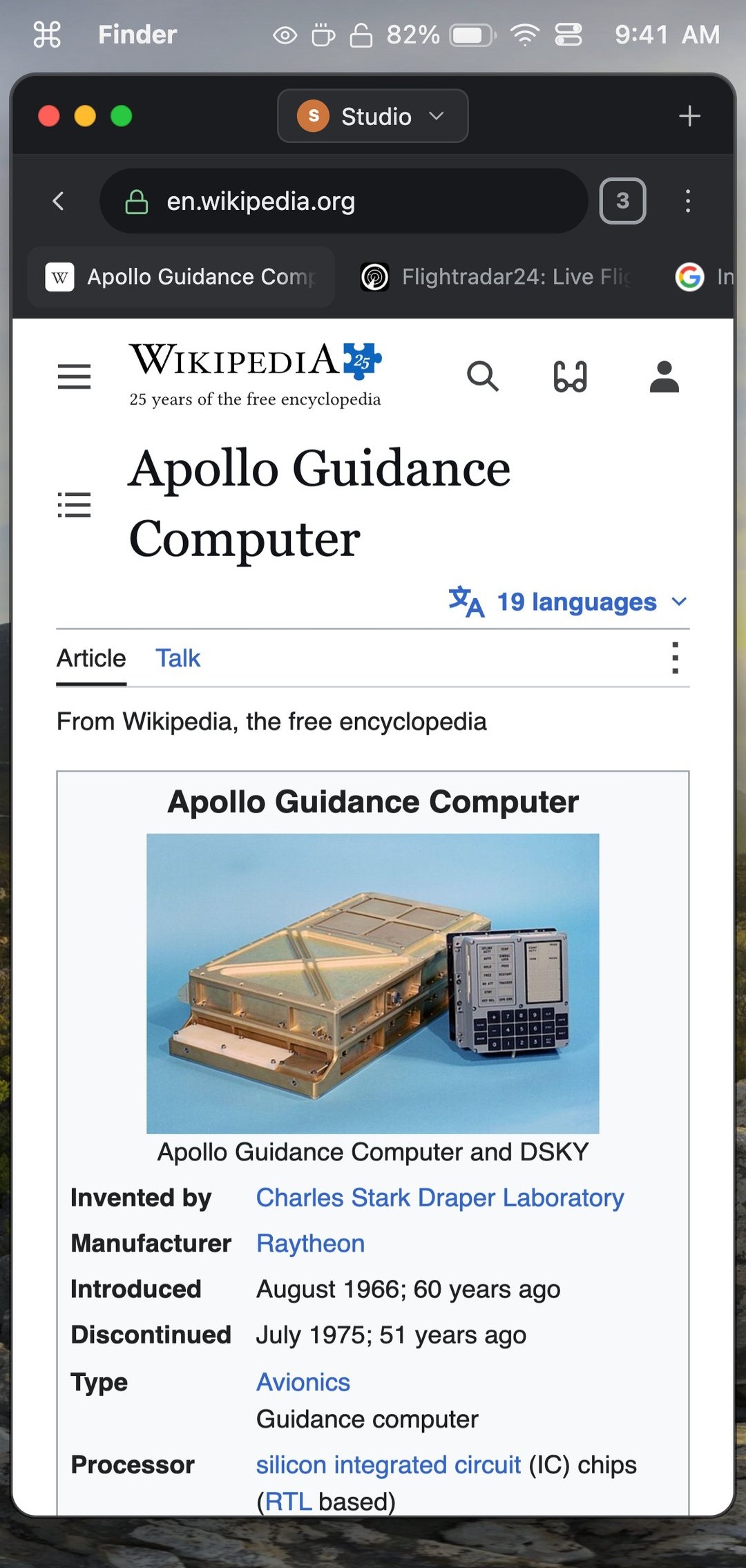
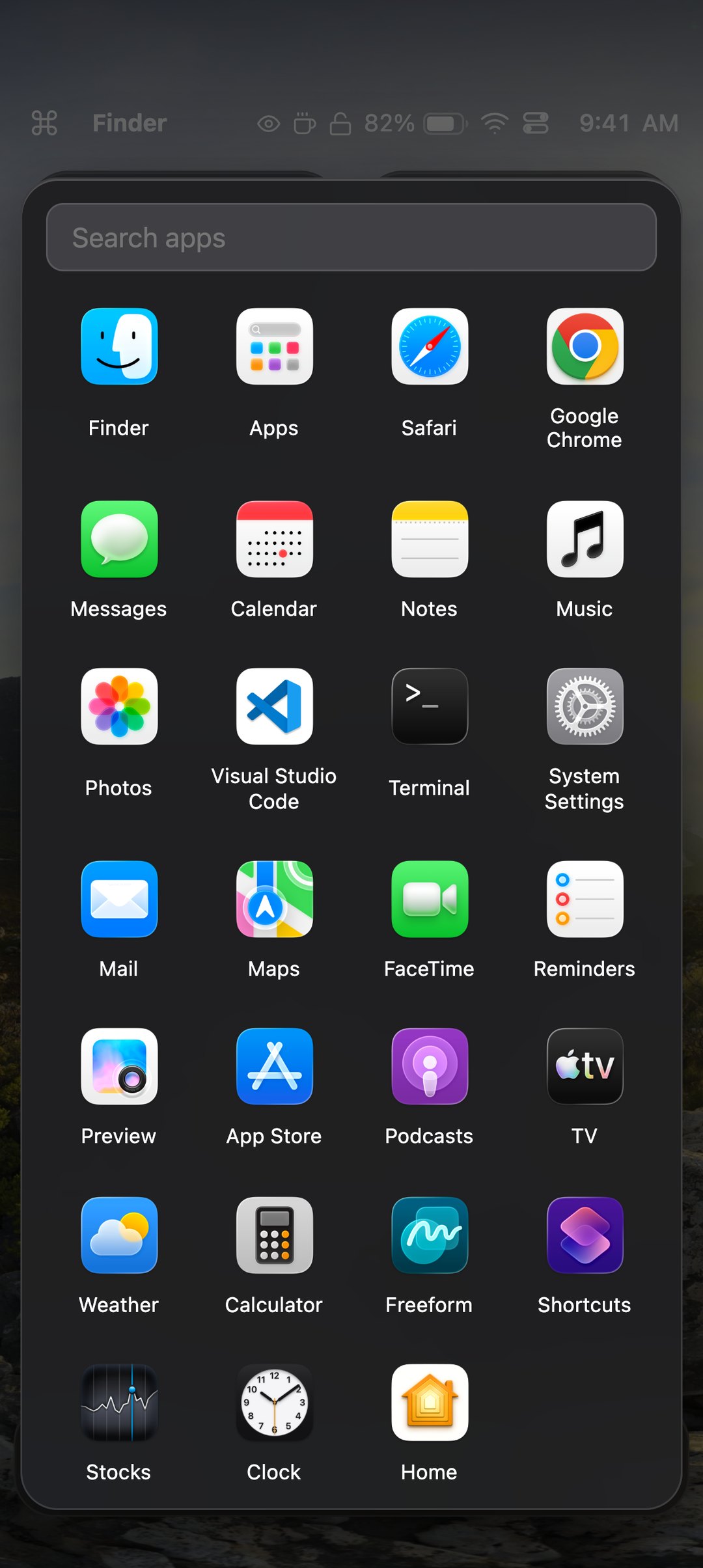
Your Mac's own Chrome, tabs and logins.
Your editor, its terminal and GitHub Copilot.
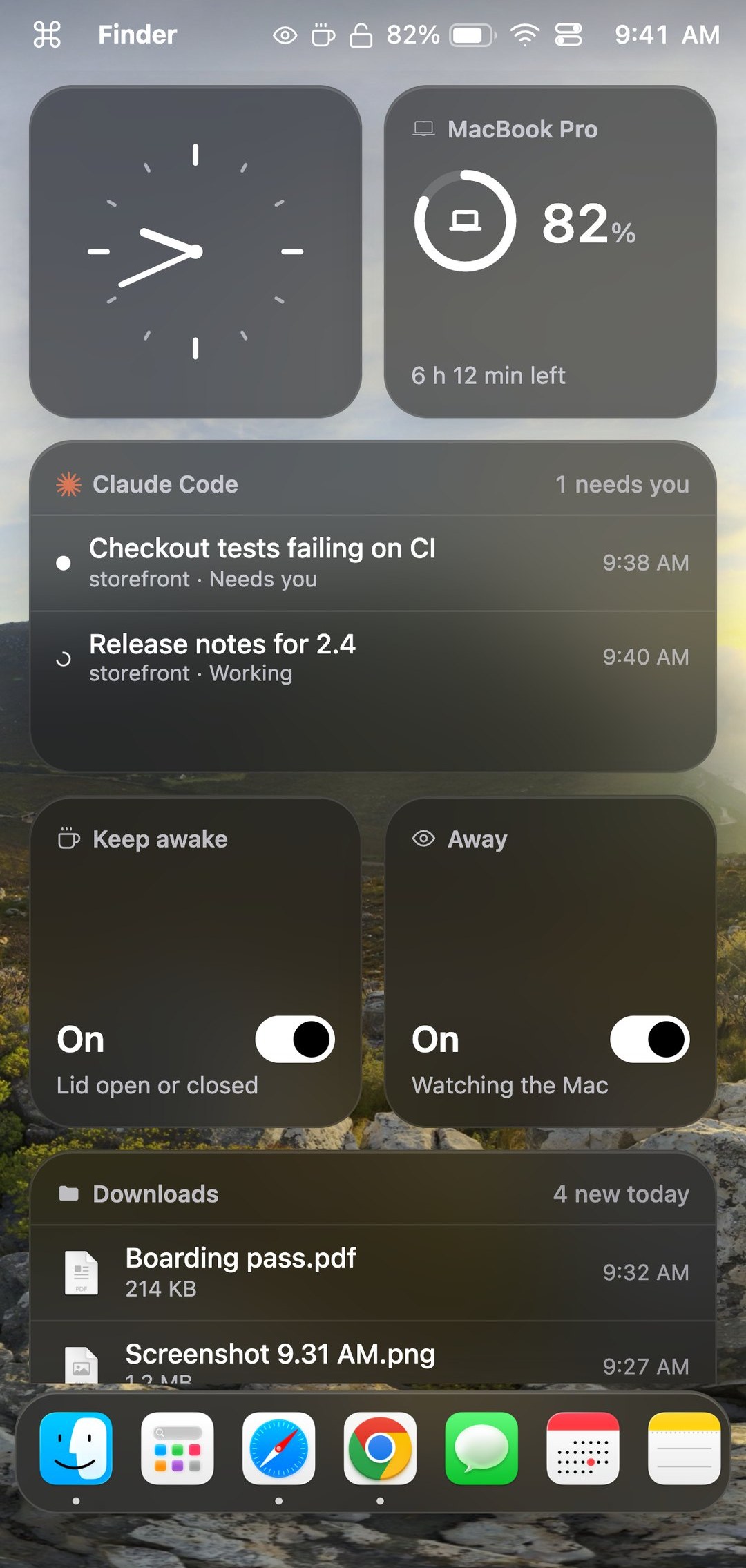
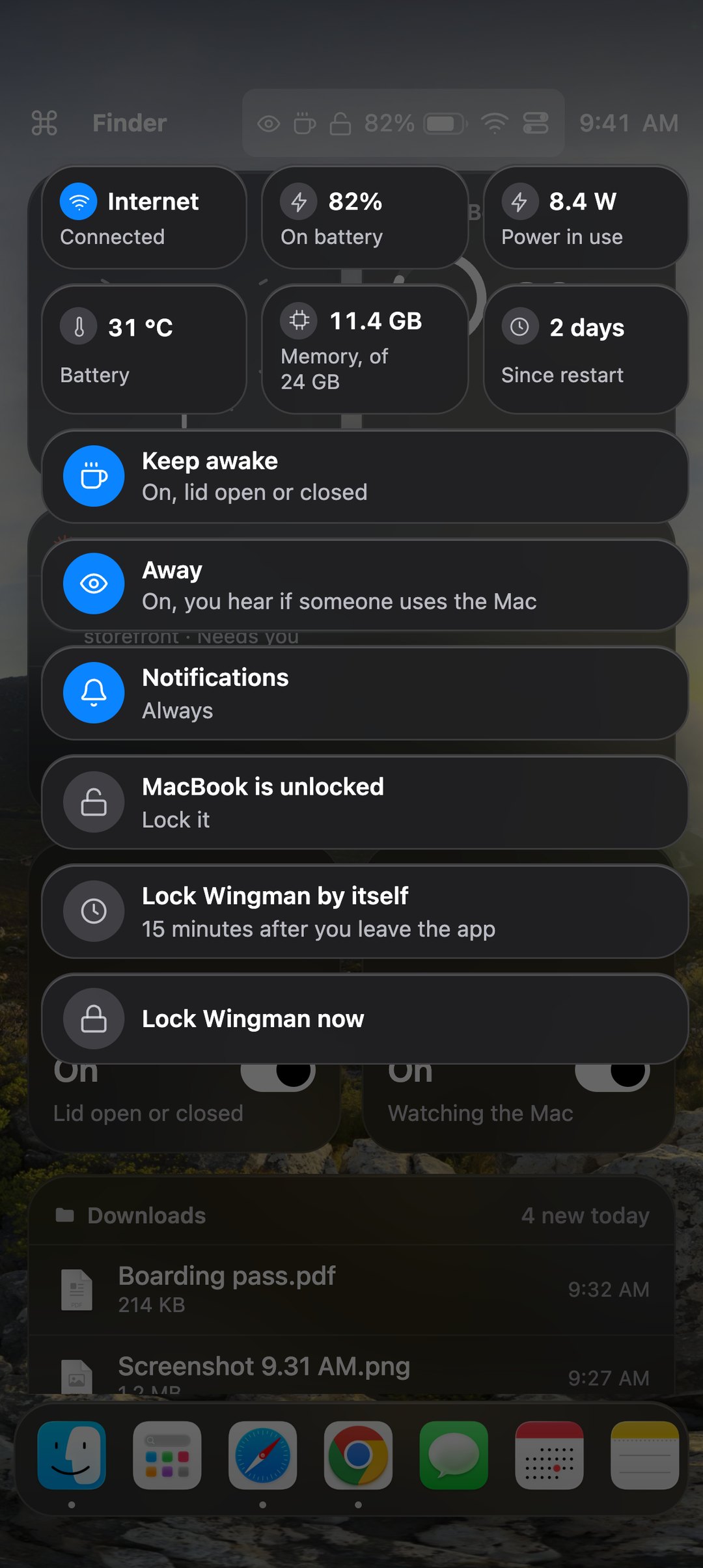
Keep a long job running, and know the moment someone opens your Mac.
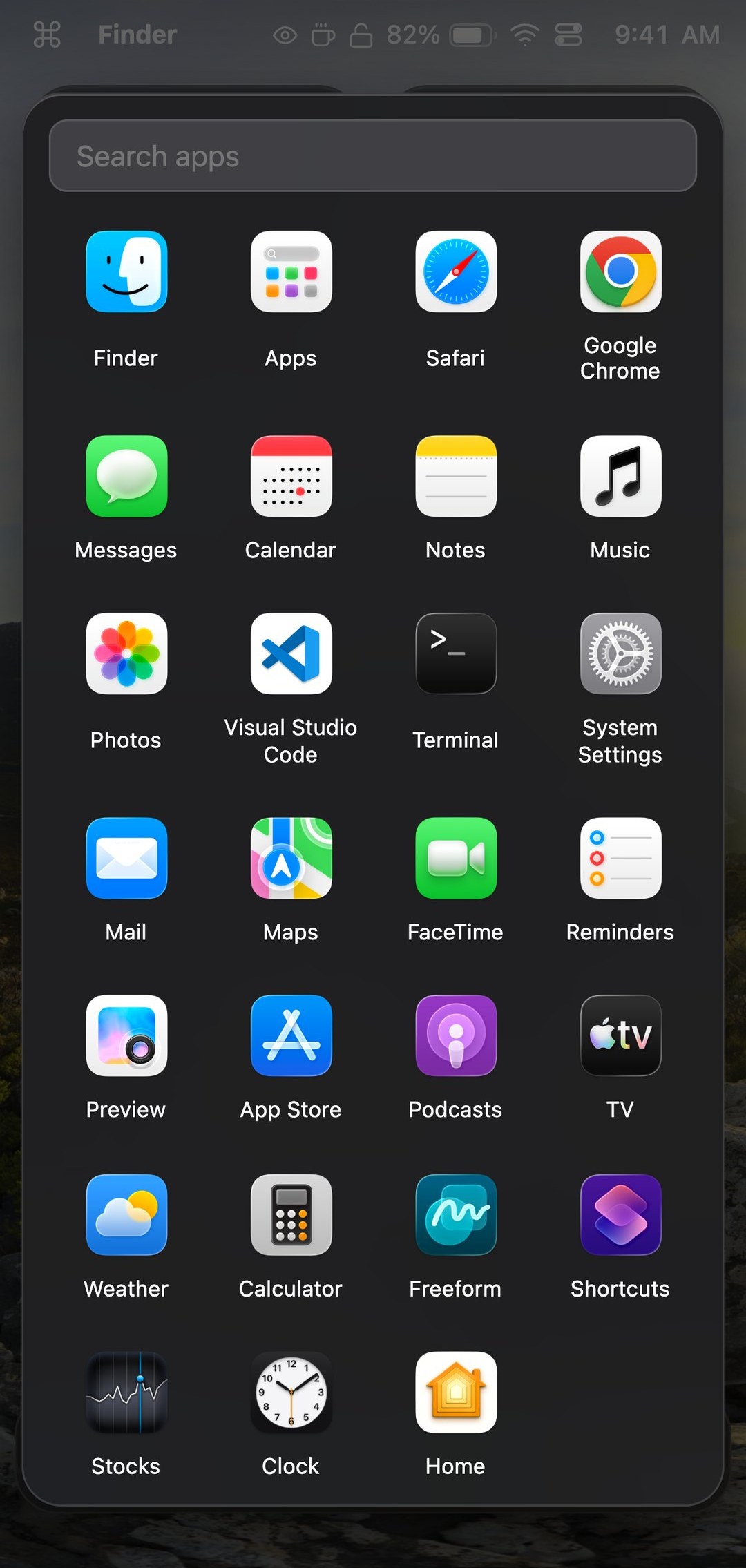
Notes, Trash, Copilot and more apps come in the next update.
This phone works. Tap around.

Today
Yesterday
Thursday
Wednesday
Monday
Sunday
Last week
Orders
storefront
More apps, in the next update

 Invoice 0424.pdfToday
On your Mac
Claude, without leaving what you are doing.
A card in the corner when a chat needs you, and a window of its own when you want one.
 Claude Code
Watching something? Keep watching.
Claude works on in the background.
A card tells you when a chat is done.
It waits in the corner, over whatever is on your screen.
Read the answer right there.
One click opens it. No need to go back to VS Code.
Reply without leaving your film.
Type, send, and Claude is working again.
Keep watching. It will tell you.
Claude works on in the background, and the card comes back when it is done.
Set up
Pair once. Then it is just there.
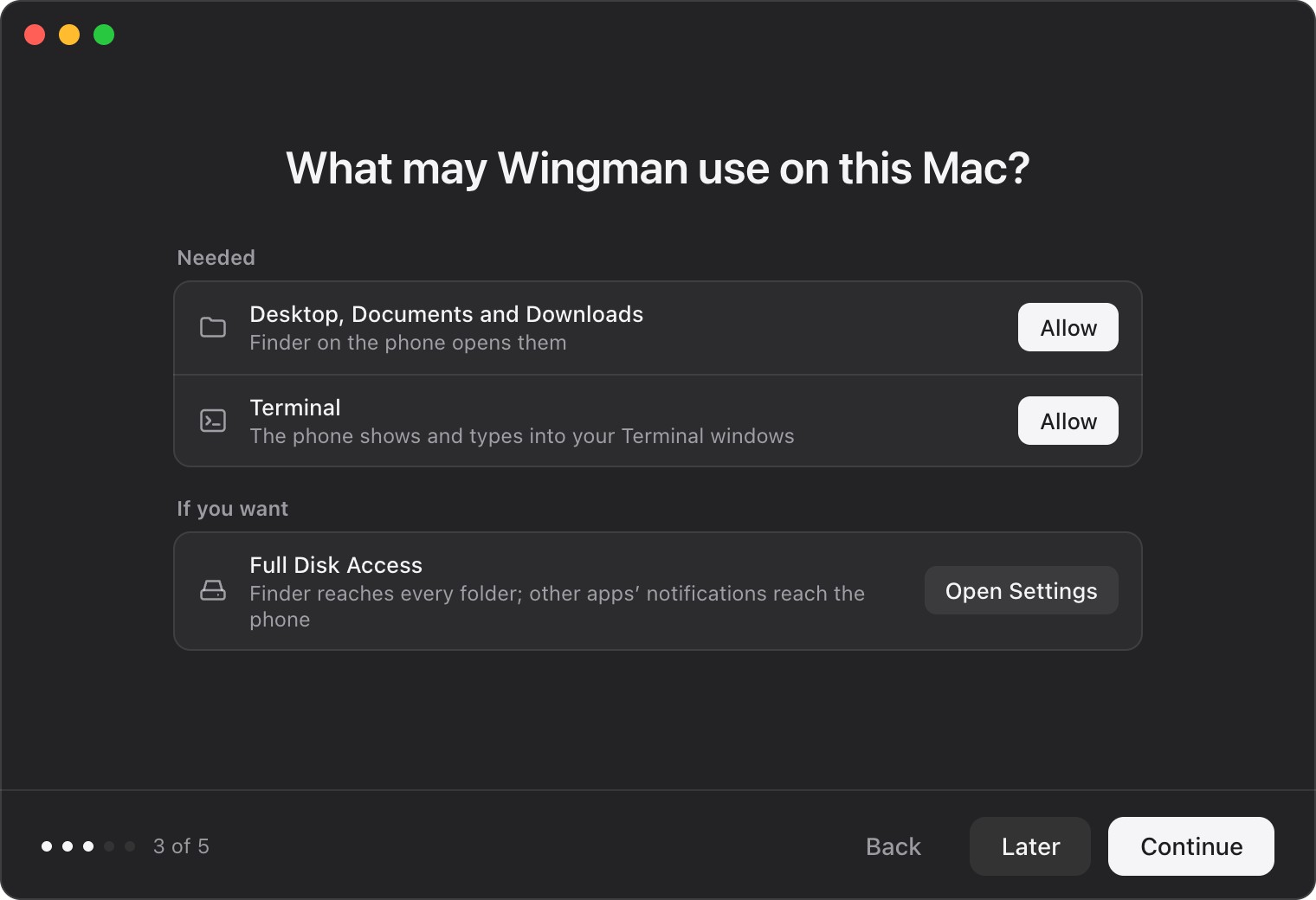
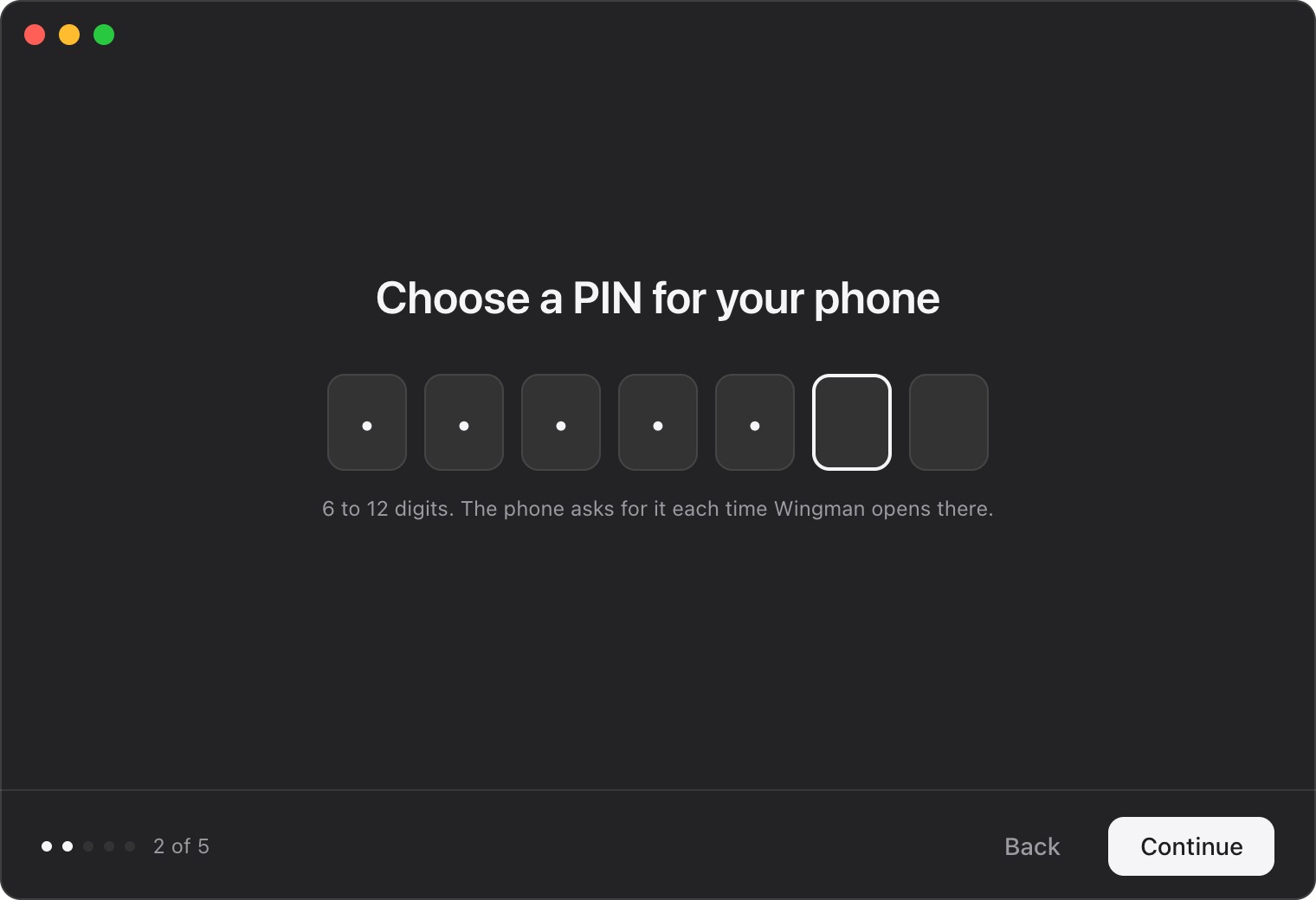
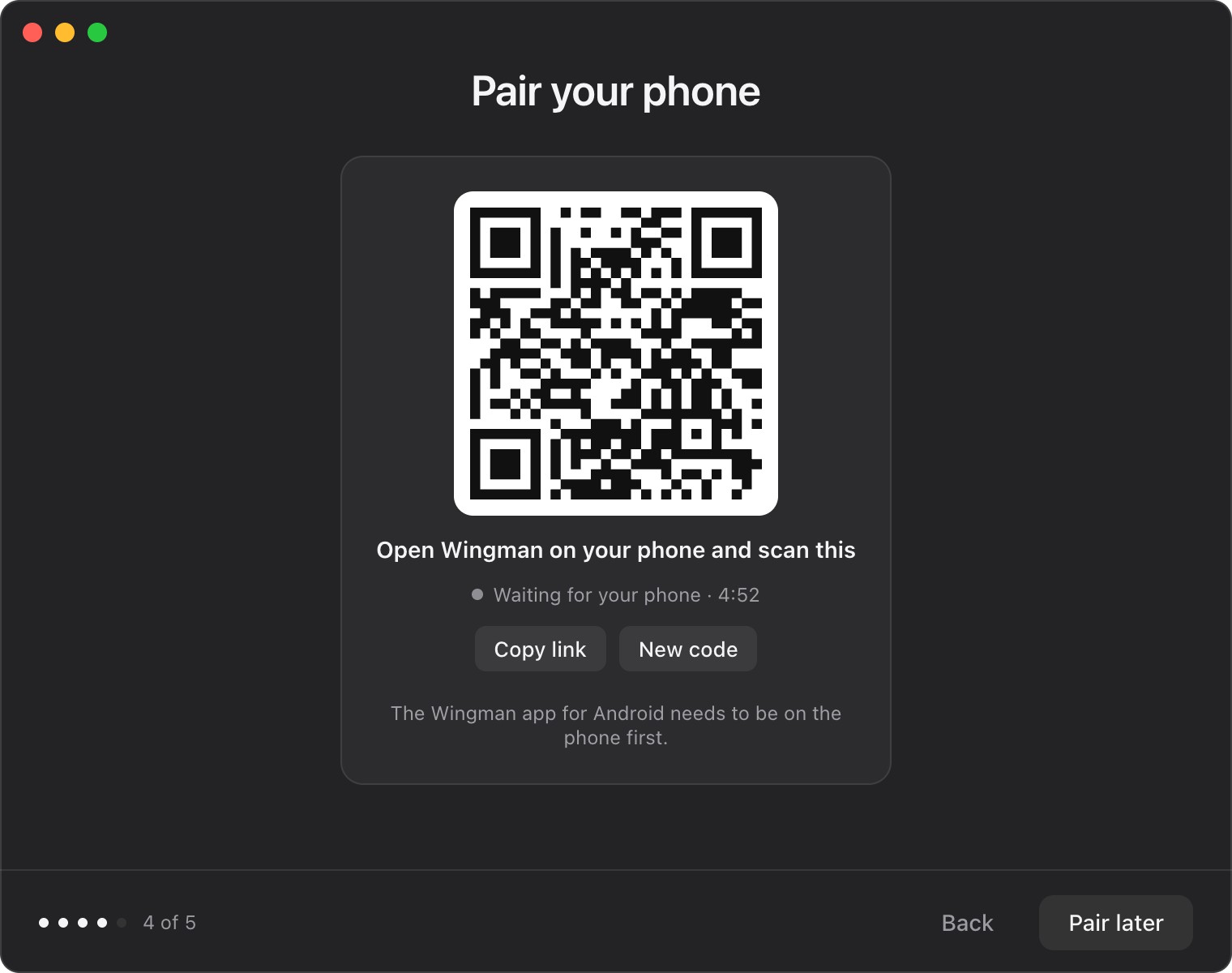
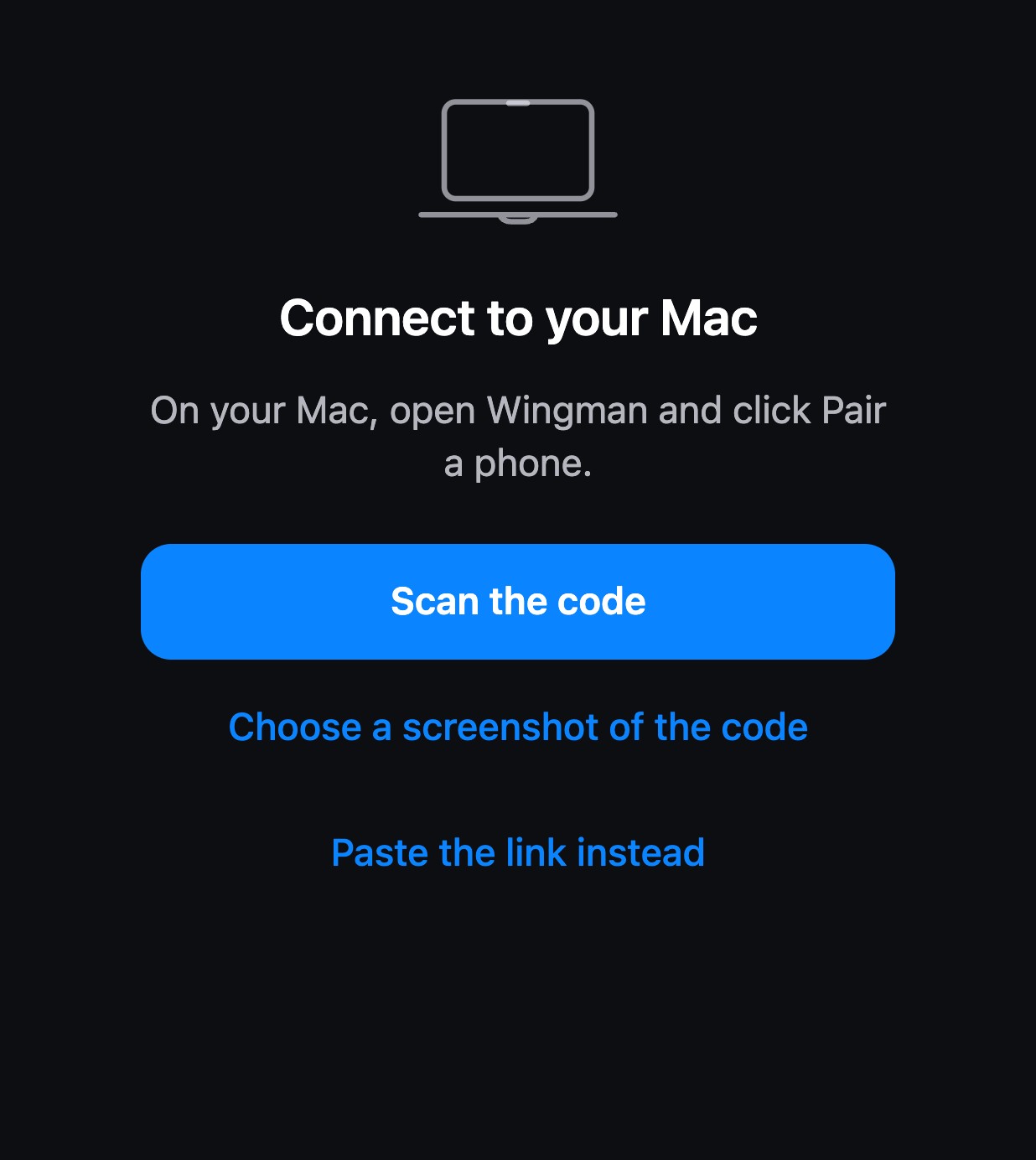
Wingman asks for a PIN, shows a code, and your phone does the rest.
Set it up on your Mac.
Choose a PIN and say what Wingman may use. You do this once.
Free for Mac and Android
Get Wingman. Your Mac will be waiting.
One app,
your whole Mac.
Claude chats, apps, files and Chrome, all from your Android phone.
What it does
 Wingman
Install it on your Mac, scan the code with your phone, and it is connected.
For Apple silicon Macs with macOS 13 or later.
Free. It updates itself after the first install, and your Mac hands the Android app to your phone when you pair.